Pippit AI Gratis: How to Use Pippit AI Free 2026
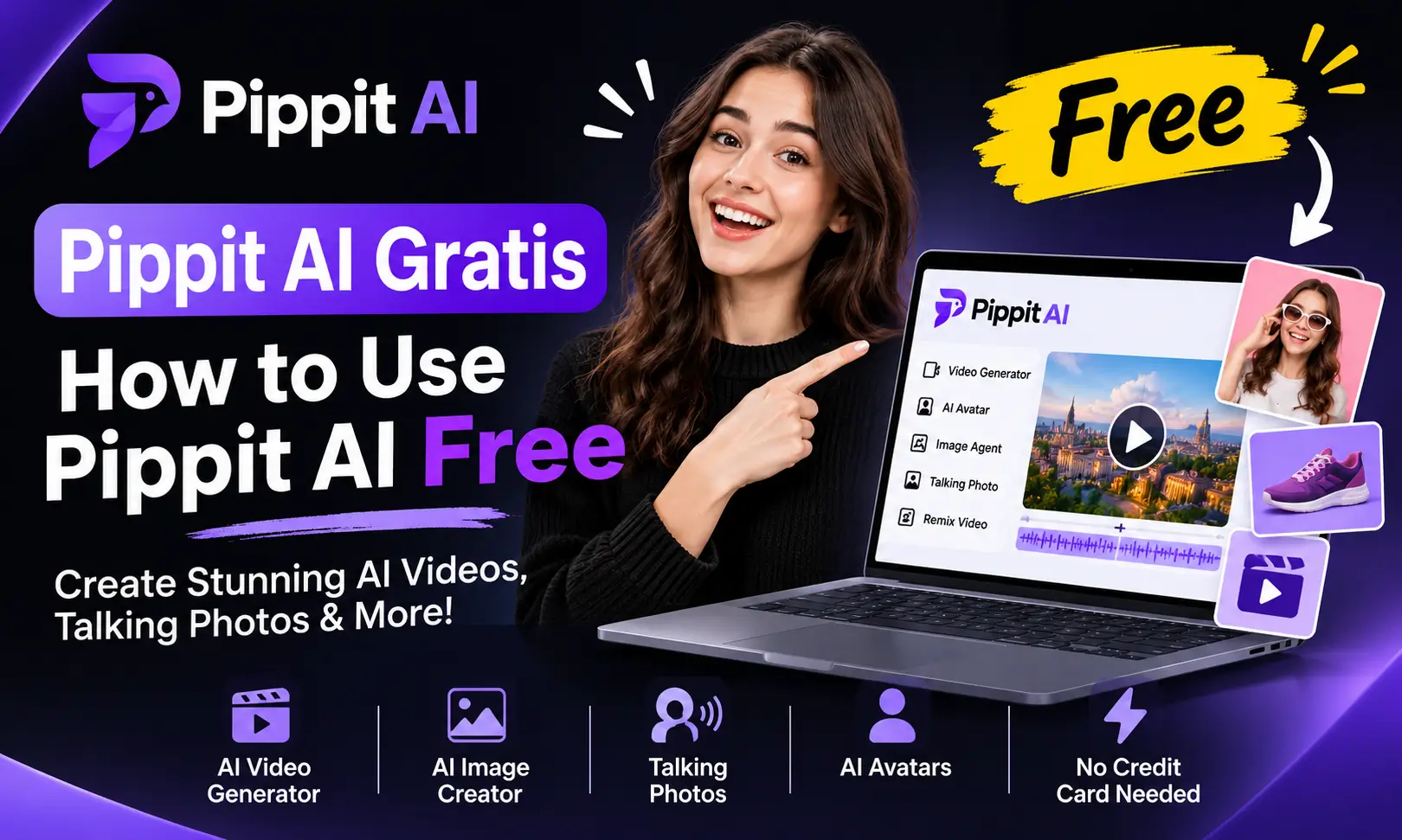
If you want to create marketing videos, product advertisements, talking photos, or social media content without paying for expensive editing software, Pippit AI is worth exploring. It offers a free plan that lets you try several AI-powered creative tools without entering credit card details.
Pippit AI Gratis simply means using Pippit AI for free. With a free account, you can access its Video Agent, Image Agent, AI talking photos, and other creative features. You can turn text prompts, product links, images, and existing media into content for TikTok, Instagram Reels, and other social platforms.
Let’s look at what you can do with Pippit AI for free, how its credits work, and how to create your first video without upgrading.
Is Pippit AI Free to Use?
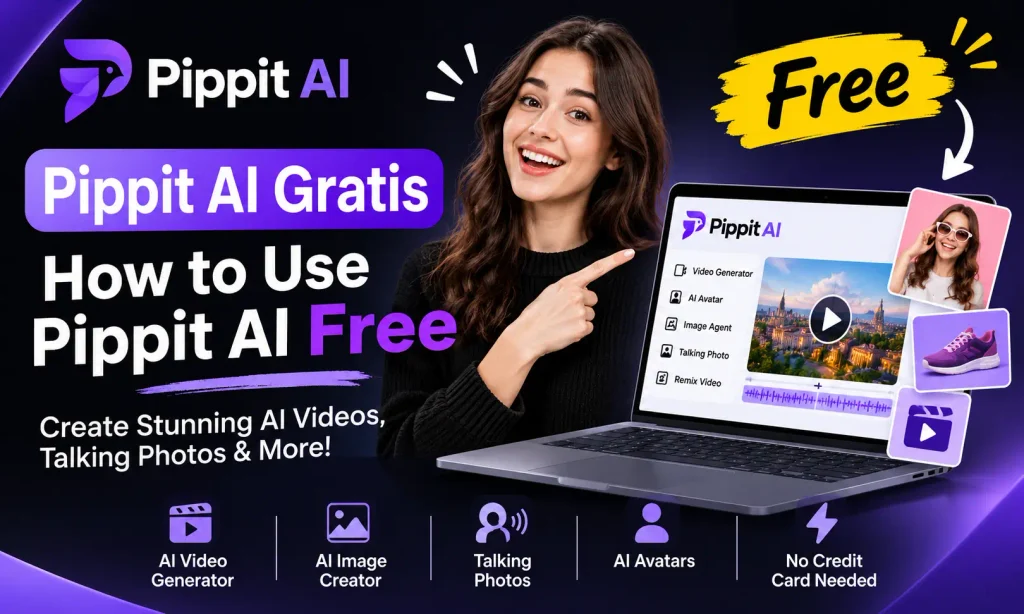
Yes, Pippit AI offers an Always Free plan that does not require a credit card. You can create an account and start using AI tools without purchasing a subscription.
The free plan includes several useful features:
You can also explore different languages, including English, Portuguese, French, and Indonesian, along with additional supported languages.
Pippit AI Free Credits: How Much Can You Get?
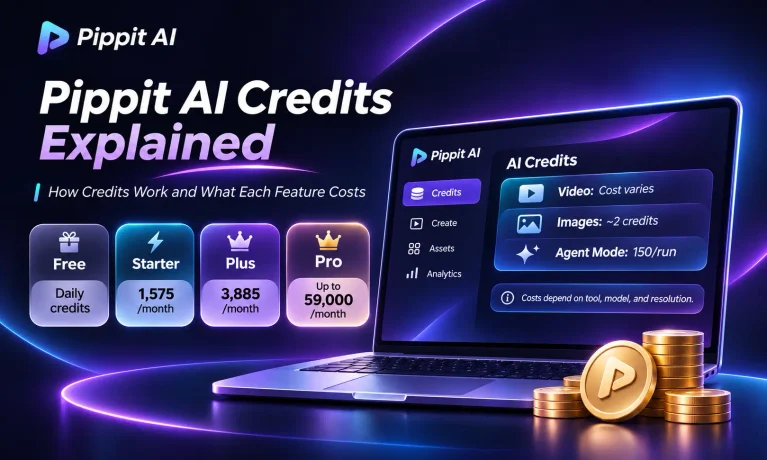
Pippit AI uses credits to manage access to its content-generation features. Whenever you generate a video or image using a credit-based tool, the required amount is deducted from your available balance.
The official pricing page confirms that free users receive daily credits, but it does not publish a fixed number for the free allowance.
It provides approximately 150 free credits per week according to my personal use.
How Many Credits Does Pippit AI Use?
The amount depends on the tool, selected model, and generation settings. Here are some approximate examples:
| AI Feature | Reported Credit Usage |
|---|---|
| Standard AI video | Around 1 credit per second |
| AI image generation | Around 2 credits per image |
| Link-to-video product ad | Around 30–60 credits |
| Agent Mode | Around 150 credits per run |
For example, if your account receives approximately 150 credits in a week, you generate several product advertisements or a collection of AI images. A single Agent Mode run could consume most or all of that estimated allowance.
What Happens When Free Credits Run Out?
Once your available credits are used, you need to wait for the next credit refresh or upgrade your subscription.
If you only create a few videos each week, the free plan is enough. However, regular content creators and online sellers need more credits.
What Can You Do With Pippit AI Free?
Pippit offers several creative tools that are useful even if you do not have a paid subscription.
1. Create AI Marketing Videos
The Video Agent is one of the main attractions of Pippit AI. It can turn a simple text description, product link, uploaded image, or existing video into marketing content.
For example, imagine you sell skincare products online. Instead of recording a promotional video yourself, you can provide a product link or upload product images and describe the advertisement you want.
Pippit can help generate the script, select visuals, add voiceovers, and arrange the video into a suitable format.
2. Generate AI Images
The Image Agent lets you create visual content from text instructions. You can use it to generate product visuals, promotional graphics, and other creative images.
This is useful for small businesses that need fresh marketing visuals but do not have professional photography equipment.
3. Make AI Talking Photos
The AI Talking Photo feature turns a still image into a talking video.
You can upload a suitable face-forward image, enter the words you want it to speak, and generate a video with synchronized mouth movements.
It can be useful for social media introductions, product explanations, and short educational videos.
4. Create AI Avatar Videos
Pipit ai gratis also provides avatar-based video creation. You can choose an available digital character, add your script, and select a supported language to create presenter-style content.
The free plan includes access to some avatar features, including three free photo avatars. More advanced custom avatar options are available with paid subscriptions.
5. Remix Viral Videos
Another useful feature is video remixing. You can upload a reference video and use it as a creative starting point.
Pippit analyzes elements such as the video’s narrative structure, script, and style to help create similar content with your own materials.
This can be helpful when you want to experiment with different video formats for social media.
How to Use Pippit AI Gratis (Free): Step-by-Step Guide
Getting started with Pippit AI gratis online does not require professional editing experience. Most of the process takes place directly in your browser.
Step 1: Create a Free Account
Visit the official Pippit AI website and click the option to start for free. You can register using:
After signing up, open your dashboard.
Step 2: Open the Video Generator
Once you reach the dashboard, find Video generator in the left-side navigation panel.
Open it to access the video creation workspace. You will see an area where you can describe the content you want to create.
Step 3: Enter Your Video Prompt
Write a clear description of the video you want.
For example, if you are promoting a coffee product, you could enter:
“Create a 20-second promotional video for premium coffee. Show a close-up of freshly brewed coffee, warm lighting, attractive product shots, and a friendly voiceover. Use a modern style suitable for Instagram Reels.”
Step 4: Add Your Media or Product Link
Click Add media and more to provide additional material.
You can choose from different options:
- Add link: Insert a product or website link.
- Upload media or file: Add your own photos, videos, or documents.
- Choose from assets: Select available creative materials.
- More: Explore additional input options.
If you are creating a product advertisement, adding clear product images or a relevant product link can help guide the result.
Step 5: Choose an AI Model
Click Choose a model to see the available generation options.
You can use:
Step 6: Customize Video Settings
Before generating your video, open Customize video settings. Here you can adjust options such as:
- Video duration
- Language
- Aspect ratio
- Other available generation settings
Choose a vertical format for TikTok and Instagram Reels. You can also upload a reference video if you want Pippit to follow a particular storytelling style.
Step 7: Generate and Download Your Video
Click Generate to start creating your video.
Once processing is complete, preview the result. If something needs improvement, select Edit more and make adjustments.
When you are satisfied, click Download to export your video or use Publish to share it through connected social accounts.
Pippit AI Free vs Paid Plans
Pippit offers four subscription options: Free, Starter, Plus, and Pro. The main difference is the number of credits, generation speed, available models, and additional creative tools.
| Features | Free | Starter | Plus | Pro |
|---|---|---|---|---|
| Daily free credits | Yes | Yes | Yes | Yes |
| Video Agent | Yes | Yes | Yes | Yes |
| Image Agent | Yes | Yes | Yes | Yes |
| AI Talking Photos | Yes | Yes | Yes | Yes |
| Buy extra credits | No | Yes | Yes | Yes |
| Advanced AI models | No | Yes | Yes | Yes |
| Watermark removal | No | Yes | Yes | Yes |
| Generation speed | Standard | Fast | Faster | Fastest |
| 4K Upscaling | No | Yes | Yes | Yes |
Pippit AI Subscription Prices
The paid plans provide additional credits and more flexibility for regular content production.
The pricing page displays discounted annual subscriptions, with prices varying by region and promotional offers. For example, the Starter and Plus plans have different credit allowances, while Pro offers several selectable credit tiers.
Is Pippit AI Gratis Plan Worth Using?
For beginners, Pippit’s free plan is a practical way to explore AI-powered content creation without committing to a monthly or yearly subscription.
You can experiment with product advertisements, AI talking photos, image generation, and avatar videos. It is particularly useful for people who want to understand how automated video creation works before investing in a paid tool.
However, the watermark and limited credits can become frustrating if you regularly produce content for clients or commercial social media accounts.
My recommendation is to use the free plan first. Try different prompts, explore the Video Agent, and understand how many credits your usual projects consume. Once you know your actual requirements, you can decide whether upgrading makes financial sense.
Final Words
Pippit AI Gratis is a useful starting point if you want to create AI videos, product advertisements, talking photos, and social media content without paying upfront.
Its free plan provides access to several creative tools, making it suitable for beginners, small businesses, and content creators who want to test automated video production.
The main limitations are the credit allowance, watermarked exports, and restricted access to advanced models. Nevertheless, you can explore the platform and understand its capabilities before deciding whether a paid subscription is necessary.
Start with the free plan, experiment with its features, and upgrade only when your content creation requirements exceed what the free version offers.
Frequently Asked Questions

Daniel Reed writes about AI-powered content creation, video editing, and digital marketing. He enjoys exploring tools like Pippit AI and sharing simple guides, practical tips, and tutorials to help creators, small businesses, and marketers create better videos, product visuals, and social media content with AI.