Pippit AI Credits Explained: How Credits Work and Costs?
Pippit AI makes it easier to create product videos, marketing images, digital avatars, and social media content without handling every editing task manually. However, before using its Pippit AI tools regularly, it is important to understand how its credit system works.
Pippit AI uses credits to measure the cost of AI-powered features. Each generation takes a certain number of credits from your balance. The amount depends on the tool, AI model, video duration, and output resolution.
If you are planning to use Pippit for product advertising or regular content creation, knowing how credits work can help you choose the right subscription and avoid running out halfway through a project.
Let’s take a look at how credit system work in pippit ai and how much they costs.
What Are Pippit AI Credits?
Pippit AI credits are the platform’s internal currency for using AI generation features. Instead of paying separately for every video, image, or avatar, you receive a credit allowance through your subscription or other reward options.
When you generate content using a credit-based feature, Pippit deducts the required amount from your shared credit balance. Also visit Pippit AI Gratis.
For example, creating an AI-generated product video consumes credits. Generating an image also uses credits, although the amount is different.
Your credit usage generally depends on:
How Many Credits Does Each Pippit AI Plan Include?
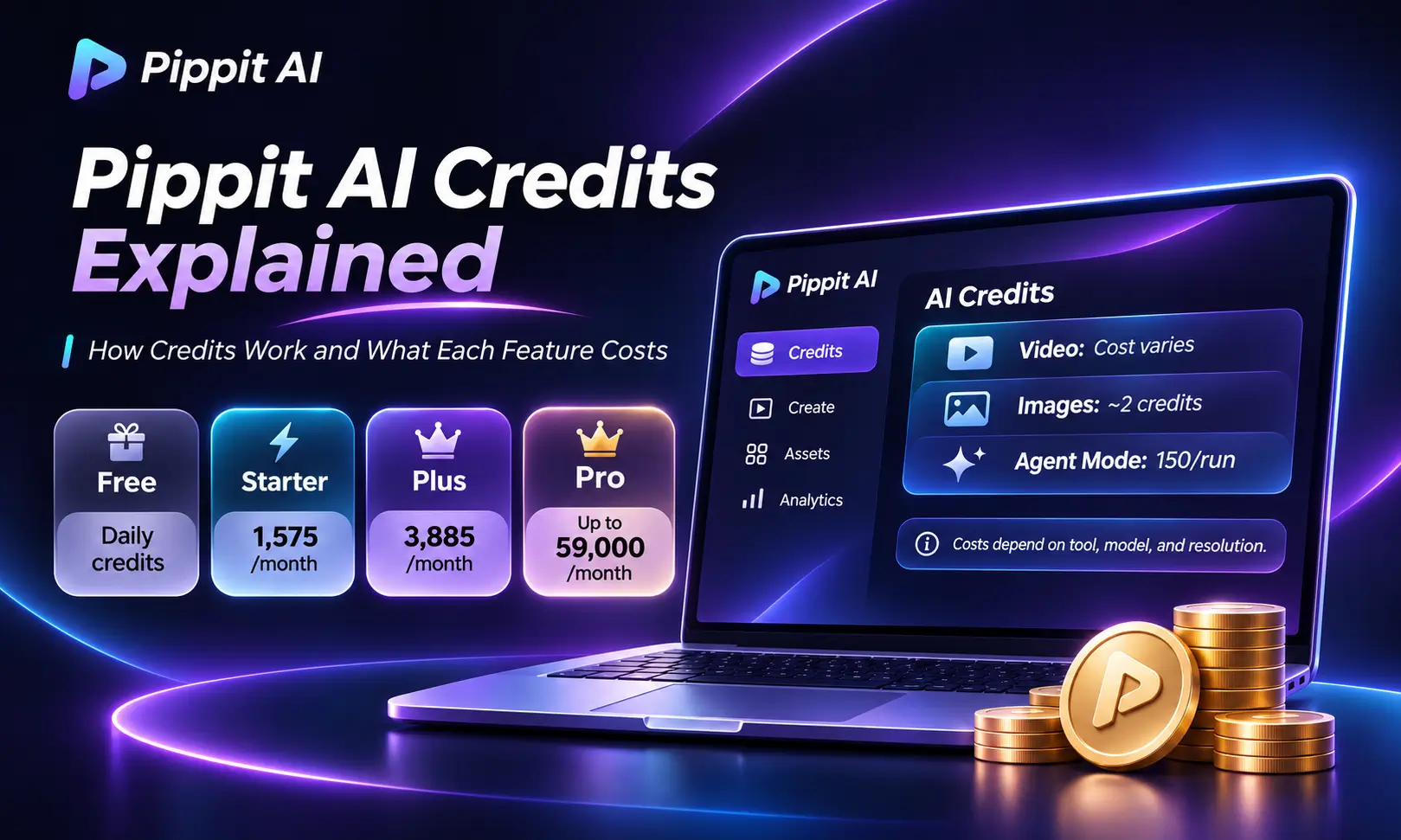
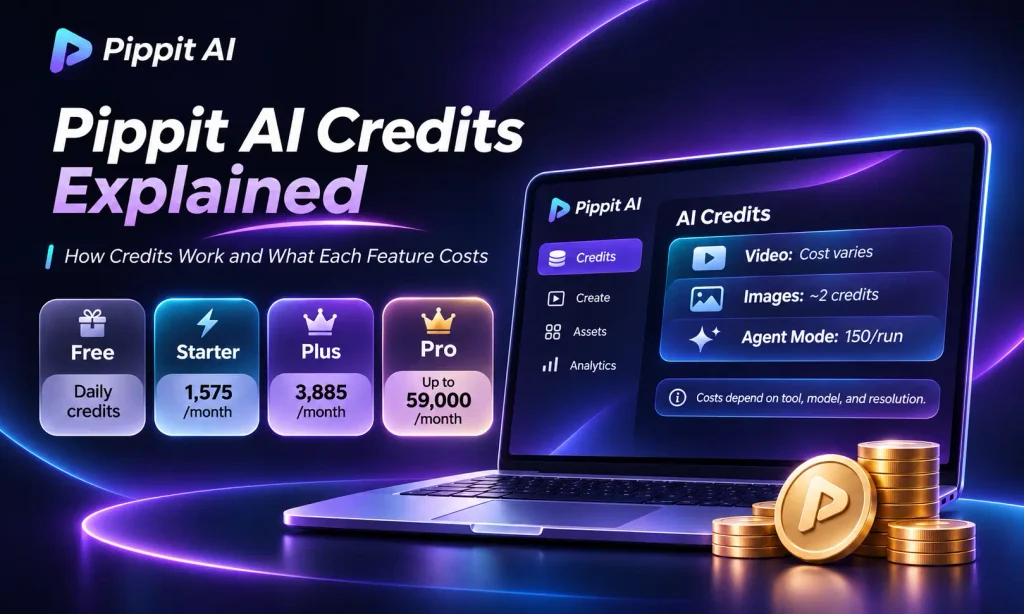
Pippit offers Free, Starter, Plus, and Pro subscriptions. Each paid plan provides a different monthly credit allowance. Here are the current credit allocations and example prices.
| Plan | Monthly credits | Example pricing |
|---|---|---|
| Free | Daily credits | $0 |
| Starter | 1,575 | €8/month or €87/year |
| Plus | 3,885 | €19/month or €213/year |
| Pro | 8,645–59,000 | €467–€3,117/year |
The prices above are examples from the European pricing.
Pippit Starter Plan
The Starter plan provides 1,575 credits per month. It is a reasonable starting point for individual creators, small businesses, and people who only need occasional AI-generated videos or images.
Its European price is €8 per month with the annual option costs €87.
Pippit Plus Plan
The Plus plan includes 3,885 credits per month. It provides more room for regular product videos, promotional content, and social media advertising.
The European price is €19 per month or €213 annually.
Pippit Pro Plan
Pro offers five different credit levels:
Its European annual prices range from €467 to €3,117.
What Does Each Pippit AI Feature Cost?
There is no single credit rate for every Pippit feature. Different generation tools have different requirements, and some costs change with the selected model or output settings.
The following figures provide practical examples of how much credit different actions can consume.
| Pippit feature | Estimated credit usage |
|---|---|
| Seedance 2.5 at 720p | 37 credits per second |
| Agent Mode | 150 credits per run |
| Link-to-Video ads | Around 30–60 credits |
| Standard video generation | Around 50–100 credits |
| Advanced models such as Veo 3.1 and Sora 2 | Around 50–200 credits per video |
| AI image generation | Around 2 credits per image |
Seedance 2.5 Video Generation
Seedance 2.5 is one of the important models to understand when calculating video-generation costs. Pippit’s September 21, 2026 comparison page gives an example rate of 37 credits per second for 720p generation.
Using that rate, the calculation looks like this:
| Video duration | Credits required |
|---|---|
| 5 seconds | 185 |
| 10 seconds | 370 |
| 30 seconds | 1,110 |
A 30-second video would use approximately 70% of the Starter plan’s 1,575 monthly credits.
Agent Mode
Agent Mode uses approximately 150 credits for one run. It is designed to handle more involved content-creation tasks rather than just a single basic generation.
If you have limited credits, consider how often you actually need this feature before making it part of your regular workflow.
Link-to-Video and Product Ads
Link-to-Video helps turn product information or a product link into promotional video content. Independent testing places its approximate usage around 30–60 credits per video.
Standard and Advanced Video Generation
Standard video generation is estimated at around 50–100 credits for a 30–60-second video.
Advanced models such as Veo 3.1 and Sora 2 can require approximately 50–200 credits per video.
AI Image Generation
AI image generation is relatively inexpensive compared with longer video generation. An estimated cost of around two credits per image means that 150 credits could produce approximately 75 images.
How Many Free Credits Does Pipit AI Give?
Pippit offers a Free plan that does not require a credit card. It provide free daily credits but it does not bound to the specific number. It provides approximately 150 credits per week.
If your account provides 150 credits per week, that would be enough for approximately 75 AI-generated images at two credits each.
For Seedance 2.5 at the example rate of 37 credits per second, however, 150 credits would cover only about four seconds of video.
Do Pippit AI Credits Expire or Roll Over?
Yes, credit validity depends on where the credits came from and which subscription you use.
Here is how the different credit types work:
Subscription credits also expire when the subscription ends.
Can You Buy Extra Pippit AI Credits?
Yes. Users with paid subscriptions can purchase additional credits separately when their regular allowance is not enough.
Top-up credits have a different price from subscription credits. Some examples are:
At that rate, you receive 100 credits per euro.
How to Earn Free Pippit AI Credits?
Pippit also provides opportunities to earn credits through eligible activities. These activities include:
Which Pippit AI Plan Should You Choose?
The right plan depends on how frequently you create content and which tools you use.
How to Cancel Your Pippit Subscription?
Paid Pippit plans automatically renew unless you cancel the renewal.
To stop future payments:
- Open your Pippit account.
- Click your profile picture.
- Go to Subscription.
- Select Cancel Auto Renewal or Disable Auto Renewal.
After cancellation, your paid access continues until the current subscription period ends. Your account then moves to the Free plan.
Cancellation stops the next payment; it does not automatically refund the current subscription. Pippit’s refund provide a full refund within 14 calendar days of starting a premium subscription if you have not used any premium services.
Final Thoughts
Understanding Pippit AI credits makes it easier to manage your video and image creation budget. Starter provides 1,575 monthly credits, Plus offers 3,885, and Pro gives you several higher credit options.
For occasional content creation, the Free or Starter plan may be enough. Regular advertisers may benefit from Plus, while heavy video creators can consider Pro.
Frequently Asked Questios

Daniel Reed writes about AI-powered content creation, video editing, and digital marketing. He enjoys exploring tools like Pippit AI and sharing simple guides, practical tips, and tutorials to help creators, small businesses, and marketers create better videos, product visuals, and social media content with AI.